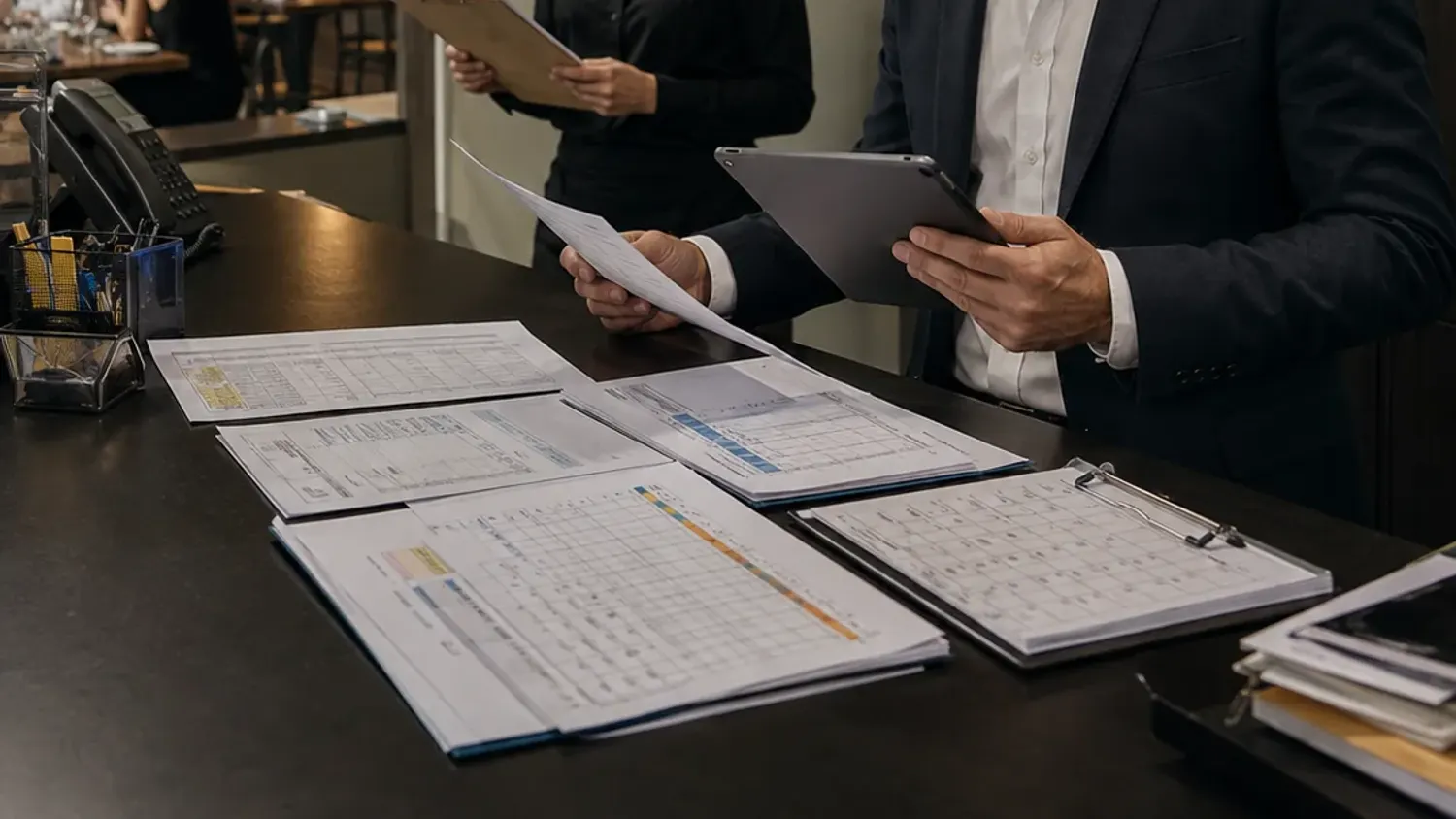
Three-way matching checks an invoice against the approved purchase order and the receiving record. Review product identity, quantities, prices and charges, then investigate differences before approving payment.
The invoice says ten cases. The delivery record says eight. The total adds up, the supplier is familiar and the payment is due. Should the bill be approved?
This is the job of invoice matching. It is not simply reading a PDF or checking arithmetic. It is checking whether the supplier’s bill agrees with what the venue authorised and received. A practical process lets a busy manager focus on the differences without losing the evidence behind the decision.
What three-way invoice matching means
The three records are the purchase order, the receiving record and the supplier invoice. The order describes what was authorised. The receiving record describes what was delivered and accepted. The invoice describes what the supplier is charging.
In three-way matching, price information is checked against the order and invoiced quantities are checked against the corresponding receipts. That is the distinction set out in Microsoft’s accounts-payable documentation. Matching systems can use defined tolerances, but a tolerance is an approval rule—not a reason to hide a difference. [1]
Ordered
What was agreed?
Received
What actually arrived?
Invoiced
What are we being charged?
A delivery docket produced by the supplier is useful evidence, but it does not automatically prove that every listed item reached your store room. Keep the staff receiving check, shortages, rejected items and any supporting records linked to it.
Read the lines, not just the total
Start with the correct supplier, venue or legal entity, document type and invoice number. Then compare the product, purchasing unit, quantity and unit price line by line. Review discounts, delivery charges, deposits and tax separately rather than allowing them to disappear into one total.
A total can agree while the details are wrong. One line may be overcharged and another undercharged. A new case size may make two descriptions look identical when the units differ. Match the supplier code and product specification, and keep an uncertain match open for review.
For a VAT invoice, Revenue specifies required information including supplier details, a unique sequential number, the nature and quantity of supplies, unit prices and VAT details, subject to the relevant invoice rules. An extracted total alone is not a complete invoice record. [2]
A worked example: €36 to query, not €36 saved
The following example is fictional. The product and case size are identical across the documents; VAT, delivery charges and deposits are excluded to make the quantity difference clear.
| Record | Quantity | Unit price | Value |
|---|---|---|---|
| Approved purchase order | 10 cases | €18.00 | €180.00 |
| Staff receiving record | 8 cases | €18.00 agreed | €144.00 equivalent |
| Supplier invoice | 10 cases | €18.00 | €180.00 |
| Quantity difference to check | 2 cases | €18.00 | €36.00 |
The correct next step is to investigate. The remaining cases may have arrived later, a receiving entry may be incomplete, or the supplier may need to issue a credit. Do not label the €36 a confirmed saving before resolving that question.
If the eight-case receipt is correct, contact the supplier with the order, invoice and delivery references. Agree the resolution and payment treatment under your terms. Do not silently amend the supplier’s invoice to force a match or assume that an unapproved short payment is the correct remedy.
Use a clear exception process
Give every discrepancy an owner, a status and the documents needed to investigate it. A practical set of statuses is: awaiting receiving evidence, awaiting supplier response, awaiting credit, ready for approval and resolved. Record the date of the next action instead of leaving the item indefinitely in an inbox.
Separate quantity differences from price differences. For a quantity issue, check delivery and acceptance. For a price issue, check the quote or agreed price effective on the order date. For an unexpected charge, check the commercial terms. One generic “mismatch” label makes the follow-up harder than it needs to be.
When a credit is issued, link it to the original invoice and reconcile it to the supplier account. Revenue’s credit-note guidance requires information including the reason for the note and a cross-reference to the original invoice. Do not mark a case resolved merely because a supplier has promised a credit. [3]
Handle the awkward cases explicitly
Part deliveries and part invoices
A ten-case order can legitimately arrive in two deliveries. Match each invoice to the relevant received quantity and track what has already been billed. Do not compare every new invoice against the full order as though no previous activity exists.
Variable-weight food
Use the accepted weight and the agreed price per kilogram. A quoted “approximately 5 kg” box should not be treated as a fixed 5 kg receipt when the actual accepted weight is different. Keep the actual quantity and pricing basis visible.
Substitutions and pack changes
Record approval for the substitute and its unit conversion. Two smaller cases may replace one larger case, but the match must explain that conversion. Check suitability separately; an invoice match is not a food-quality or allergen approval.
Purchases without a formal order
Do not manufacture a retrospective order and imply that it was approved before purchase. Use a documented non-order route: evidence of the request, confirmation of receipt and approval by the responsible person. Review recurring exceptions so a convenient workaround does not become the normal control.
Check duplicates without blocking legitimate bills
Use the supplier, invoice number, amount and date as starting checks. Compare likely duplicates with the original document before approval. A scanned PDF and an emailed copy may represent the same bill; a statement is not a new purchase invoice.
At the same time, two invoices for the same amount are not automatically duplicates. Recurring services and repeat orders can legitimately have identical totals. Keep the decision and supporting evidence, particularly when an invoice is released after a duplicate warning.
Treat changed supplier bank details as a separate control. Confirm them through a trusted contact route rather than accepting a change merely because it appears on an otherwise plausible invoice. Matching goods and prices does not authenticate a bank account.
What to expect from AI-assisted invoice processing
Use extraction to prepare fields and potential line matches, not to invent missing information. The original page should remain available beside the extracted data. An unreadable quantity should be marked for review; it should not become a guessed number simply because that makes the total balance.
In a trial, include a poor scan, a split delivery, a mixed-rate invoice, a duplicate, a credit note and an ambiguous pack size. Ask what happens when a line cannot be matched. A useful demonstration shows the exception queue and approval history as clearly as it shows a successful import.
Measure review minutes per invoice, correction frequency, unresolved exceptions and credits actually received. Do not turn every warning into “money saved”. Count the time spent correcting the extraction as part of the process, not outside the calculation.
Connect approval to bookkeeping
After review, the approved invoice needs the correct supplier account, cost category, tax treatment and accounting period. Preserve the original, the receiving evidence, the matching decision and the posting reference. Agree coding and treatment with your bookkeeper or accountant rather than letting an article define your accounting policy.
Keep posting and payment as distinct decisions. A valid invoice may be recorded while a dispute or a payment approval is still being managed. Your finance team should define how that state is represented and how unresolved items appear in the supplier balance.
The result to aim for is simple: fewer invoices waiting for an explanation, and a clear trail from what was bought to what was paid.
Questions about restaurant invoice matching
Is invoice extraction the same as matching?
No. Extraction prepares information from a document. Matching compares it with other records and agreed terms. A system can extract every character correctly and still need someone to investigate a short delivery.
Does a matching difference mean the supplier made a mistake?
Not necessarily. Receiving entries, pack conversions, timing and order records can also be wrong. Check the evidence before raising a claim.
Can invoices be approved automatically?
That depends on the controls your finance team accepts and what the system can reliably validate. Start with supervised review, defined permissions and explicit exceptions rather than an unrestricted promise of automatic approval.
What should happen to an unreadable line?
Keep it visibly unresolved and obtain a clearer source or human confirmation. Do not silently infer a value and present it as something the supplier printed.
Sources and editorial notes
Primary guidance checked on 26 October 2026. Operational routines and worked examples are Inntally’s editorial recommendations; adapt them to your venue.
- Microsoft Learn — accounts payable invoice matching
- Revenue — information required on a VAT invoice
- Revenue — information required on a VAT credit note
All numerical examples are fictional and explain the method; they are not customer results or savings claims. Accounting and tax treatment should be confirmed with your accountant. Images are illustrations, not photographs of identified customers or evidence of product outcomes.
Read next
- How to compare restaurant supplier prices — and find the real cost
- A pub stocktake template that helps you explain the difference
- How to reduce restaurant no-shows without losing the welcome
- Restaurant bookkeeping in Ireland: a weekly routine that keeps the records together
- How AI invoice extraction saves hotels 20+ hours a week — what the matching looks like when the reading is automatic.
- Inntally IntelliFlow — the product page.